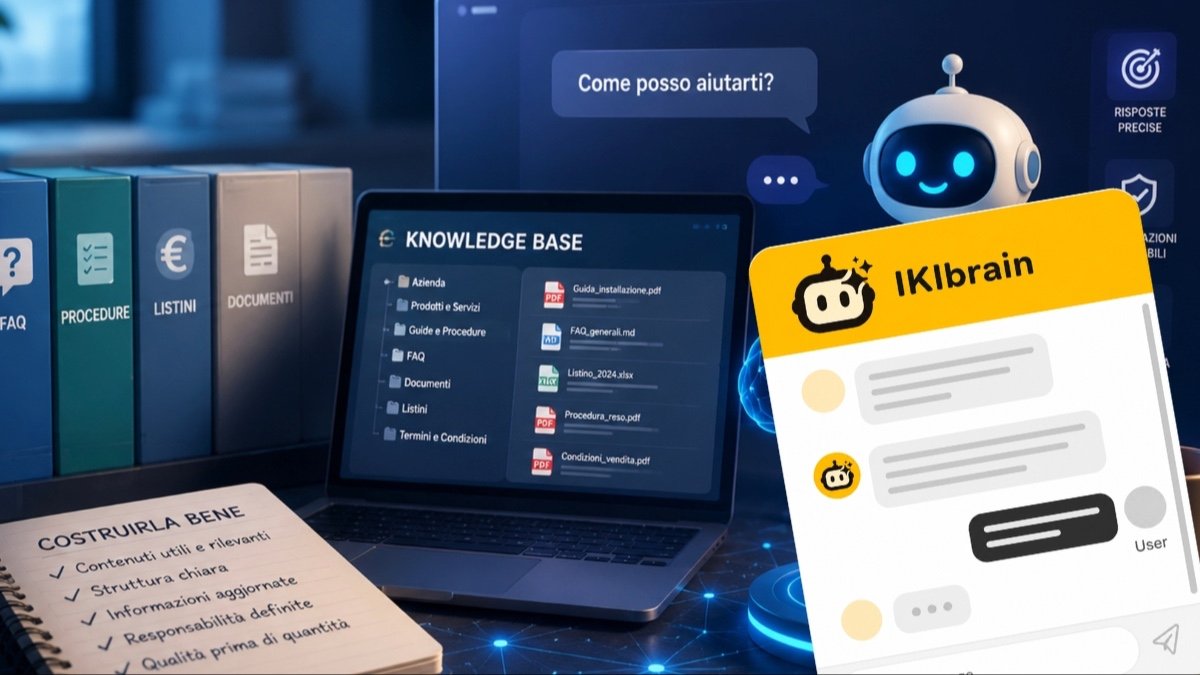
There is one mistake that shows up again and again, usually in the same way: thinking of the Knowledge Base as a folder where you upload a few files and let the AI chatbot do the rest. The website, two PDFs, a price list, a brochure, the FAQ page. Everything in, job done.
But a knowledge base does not work by volume. It works by quality and structure. If the content is unclear, outdated, or contradictory, the AI assistant will answer in exactly the same way: unclear, outdated, and contradictory. The quality of the answers from the chatbot on your site depends largely on the quality of the KB behind it.
In this guide, we look at what a Knowledge Base really is, what content to include, what to leave out, and how to organize it without building something overly complex. The goal is practical: to make sure your virtual assistant replies clearly, consistently, and in line with how your business actually works.
What a Knowledge Base is for an AI assistant
A Knowledge Base (KB), or knowledge base, is the organized set of information an AI assistant uses to learn about your business: services, products, terms, procedures. It is not just an archive. It is the single trusted source of information for your business, built so a machine can use it to answer a customer.
That is the key distinction. An AI model knows the world in general, but it does not know your business: it does not know your opening hours, your commercial terms, the difference between two similar services, your delivery times, or how you handle support. All of that can come from one source only: the KB.
When an AI assistant works from real content, as it does with IKIbrain, the knowledge base becomes the deciding factor: the assistant answers based on what it actually finds inside it. It does not fill in the gaps with guesses.
The quality of the KB determines the quality of the answers
No technology can fully compensate for a poorly built knowledge base. If the available information is incomplete, unclear, or outdated, the AI chatbot has no way to be precise. A well-designed chatbot can try to solve some of these problems, but that is not always possible.
Take a service page, for example. If it clearly explains what is included, who it is for, how it works, and what the limits are, the assistant has solid material to build an answer from. If the text is generic, promotional, or full of vague wording, the answer will be just as fuzzy: not because the system is broken or badly designed, but because it has nothing better to work with.
The reverse is true too, and that is the interesting part. A well-written KB allows the assistant to stay anchored to the company’s real data. That significantly reduces the risk of inaccurate answers and makes the conversation with users more consistent and useful.
What content to include in the Knowledge Base
The KB can be fed from many different sources. The most useful ones are usually website pages, product and service sheets, FAQs, PDFs, catalogs, brochures, price lists, commercial terms, operating procedures, technical documentation, manuals, and guides.
Then there is the practical information customers ask for all the time: shipping, payments, support, returns, turnaround times, service areas, delivery methods, required documents. In small businesses, these are often the questions that take up most of the time — and that is where a well-fed assistant pays off first.
One point is worth stressing: not everything has to be published on the website already. You can also add text written specifically for the AI assistant when it contains useful information that does not have its own web page. A note explaining the difference between two similar services, for example, or a clarification about a recurring customer question.
The information you take for granted... does not exist
There is a category of content almost nobody thinks to include, and it makes the biggest difference: the obvious stuff.
If, in your industry, it is assumed that a job requires an initial site visit, but that is not written anywhere, then for the KB that information simply does not exist. The same goes for quotes that are always free, for the fact that you do not work on Saturdays, or for a warranty that lasts two years instead of one. These are details everyone in the company knows — and that is exactly why nobody has ever written them down.
For an AI assistant, there is no such thing as implied information: it only uses what you provide explicitly. That is why it is worth spending half an hour writing down the things nobody has ever needed to write before.
What to leave out of the KB
Before adding any content, it helps to ask one simple question: is this really needed to answer a customer or website visitor? If the answer is no, it should not be included.
Leave out information that is no longer valid, old price lists, outdated documents, duplicate files with different data, internal material that is irrelevant to user questions, and anything you do not want used in answers. Also leave out, of course, confidential data and personal data.
The most common mistake is uploading documents “just in case they might be useful.” In reality, every unnecessary piece of content adds noise: it increases the chance that the assistant will pull the wrong passage at the wrong time. The KB should not contain everything that exists in the company, but everything that is useful and reliable for giving good answers.
A structured Knowledge Base is worth more than a file dump
The temptation to turn the KB into a mixed catch-all repository is strong, especially when you have a lot of material coming from different sources. But if you want it to stay useful over time, it is better to organize it by logical areas.
A simple structure is enough: company, products, services, pricing, purchasing process, support, FAQs, procedures, commercial information, technical documentation. You do not need a complicated system. You need whoever updates the content to know instantly where to put what.
Clarity, consistency, and ease of maintenance matter more than the number of categories. If updating one commercial term means searching through ten different folders, sooner or later something will be left behind. And that something will end up in an answer.
How to write KB content
It is not only about what information you include, but how you write it. An AI assistant works better with content that is explicit, self-contained, and not overly ambiguous.
“Delivery is fast” does not say much. “Orders are usually delivered within 2–3 business days” is usable, because it contains a verifiable piece of information. The same applies to phrases like “price on request,” “in some cases,” or “custom service”: where you can, be specific.
Terms and exceptions should be stated with the same level of precision. If a promotion applies only to certain products, if support is available only during specific hours, or if free shipping starts above a certain threshold, those are details to put in writing. They are also, not surprisingly, the details that cause the most confusion when they are missing.
Different sources, no contradictions
The same information may appear on the website, in the FAQs, in a PDF, in a catalog, in a price list, and in a commercial document. That is normal, especially in businesses that have built up different materials over the years.
The problem starts when the versions do not match. If the website says a service starts at one price and an old PDF uploaded to the KB still shows the previous one, the assistant is faced with two conflicting sources and the risk of inconsistent answers rises sharply. When a chatbot gives a customer the wrong price, the problem is almost never the technology: it is the knowledge base not being managed properly.
The rule to avoid this is simple: decide which source takes priority and keep the other content aligned. When you change an important piece of information — a price, a term, a procedure — the update cannot stop at one document. You need to remove outdated files or upload an updated version.
Updating the KB is routine management, not a project
The KB is not something you prepare once and forget. If products, services, prices, or procedures change, the knowledge base has to change too.
You do not need a heavy process. A small internal routine is enough:
- decide who is responsible for the information that feeds the chatbot’s answers;
- update the KB when something important changes;
- remove or replace outdated content;
- review the most important information regularly;
- check the assistant’s answers after every major update.
The goal is to make KB maintenance part of your normal content management work: not a separate, complicated task, but part of how you keep your information organized.
The most common mistakes to avoid
The problems repeat themselves, and they do not depend on the industry. They depend on how the Knowledge Base is handled.
- Uploading lots of documents under the assumption that more files mean better answers.
- Leaving outdated documents or old price lists in place.
- Having conflicting information across different sources.
- Using text that is too generic or overly promotional.
- Leaving out important details because they seem obvious.
- Duplicating the same information in too many places.
- Not deciding who is responsible for updating the KB.
- Not checking regularly how the assistant responds.
The central point is this: a bigger Knowledge Base is not a better Knowledge Base. A lean base, written well and kept up to date, almost always works better than a pile of materials.
How to tell if your Knowledge Base is ready
The most effective way to assess it is to read it through a customer’s eyes. Are the main facts about the business there? Are products and services described fully? Do the FAQs give clear answers?
Then check the sensitive points: are prices, terms, and procedures up to date? Are there documents that contradict each other? Has outdated content been left behind? Is the important information written directly, without leaving room for interpretation?
Finally, two practical checks. Is it clear who should keep the KB updated? And have you already tested the chatbot with real questions from your customers? That test is worth more than any theoretical review, because it shows you immediately whether the knowledge base holds up in day-to-day use.
A concrete example of a business Knowledge Base
Imagine a small business that offers a technical service or a specialized product line. Its Knowledge Base starts with the core website pages: who they are, what they do, and where they operate.
Then come the service and product sheets, the FAQs, an updated price list, the commercial terms, and the support procedures. Even at this stage, the AI assistant has a much stronger base than a simple brochure-style website can provide.
The next step is to complete the KB with content written specifically for the assistant: when to offer one service instead of another, which requests should be passed to the team, which exceptions should be explained to the customer right away, and which documents are needed before starting a case or request. These are the details that usually live only in the heads of the people who work in the business — and that is exactly why they should be written down.
If the assistant is configured well and works from organized content, the result changes noticeably. To go deeper into the principle, you can see how it works when a system is based on real content and which features really matter in managing answers.
In the end, building a good Knowledge Base is not complicated. It means putting order into the information you already use every day, removing what creates confusion, and writing clearly enough for your virtual assistant to answer the way a member of your team would.